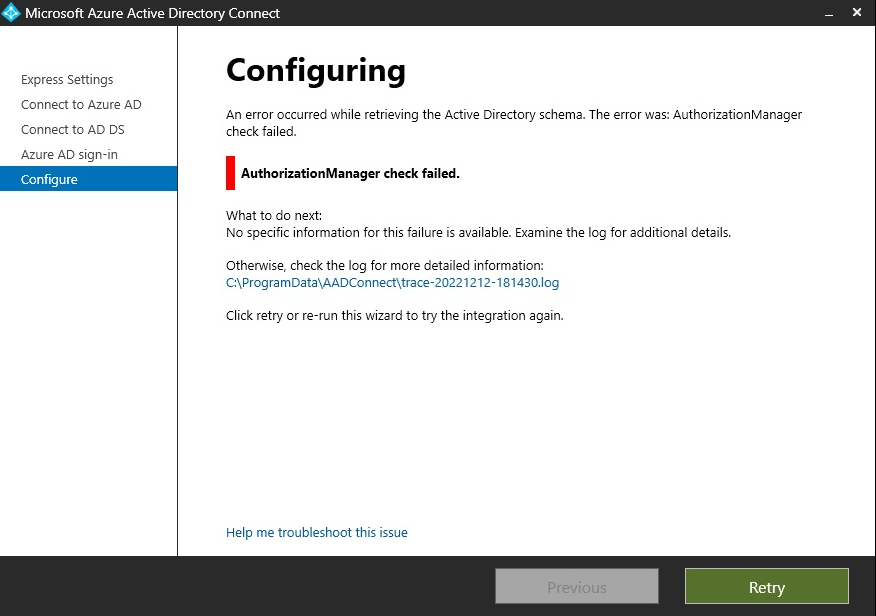
While trying to Azure AD Connect, the above error could be faced due to the certificate issue with the AD Sync module
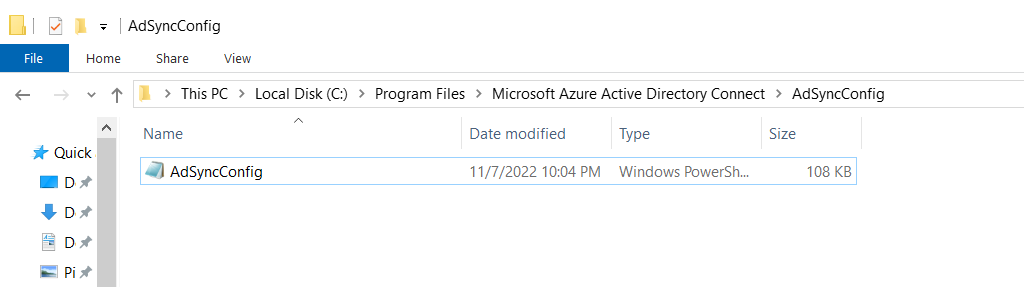
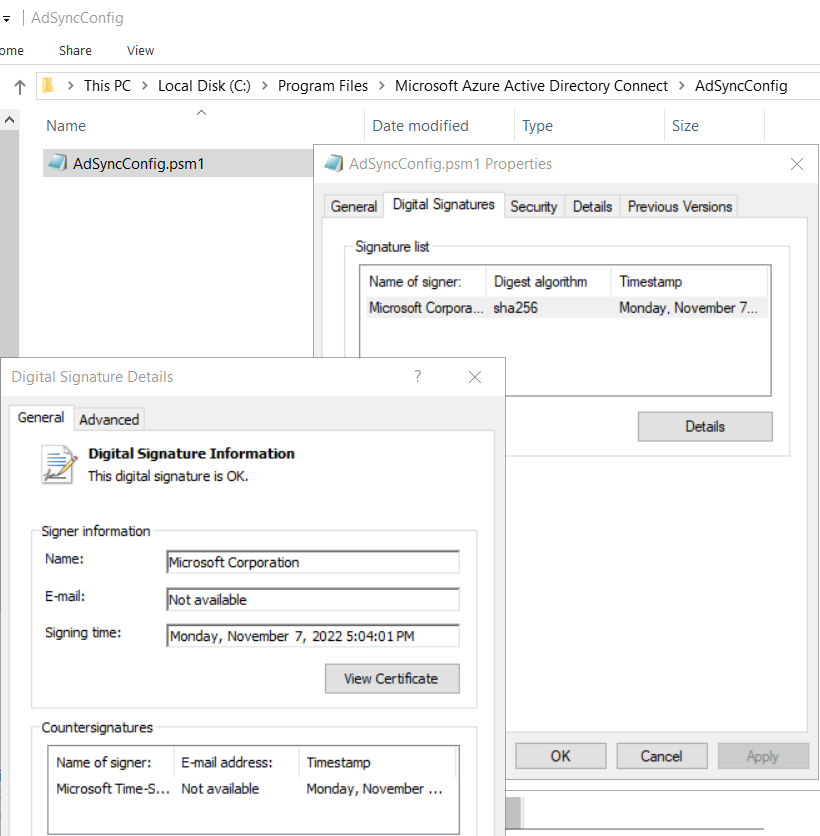
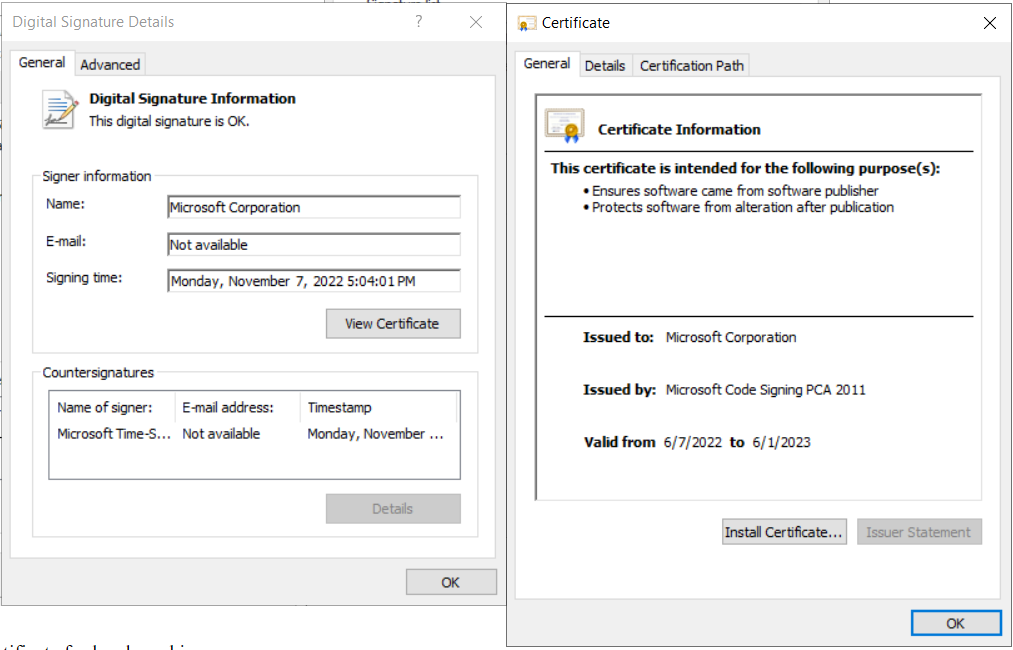
- Click Install certificate for local machine
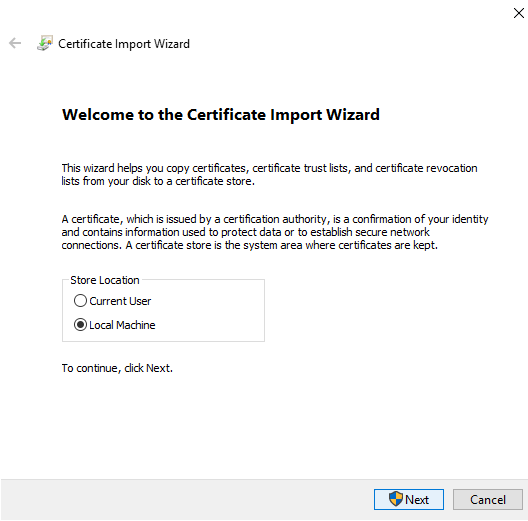
- Manually choose to store certificates at ‘Trusted publishers’

- Click Ok to close the certificate wizard.
Once done, simply go back to the Azure AD Connect, re-enter the credentials and you should be good to proceed without an issue.
 Talha Qamar