
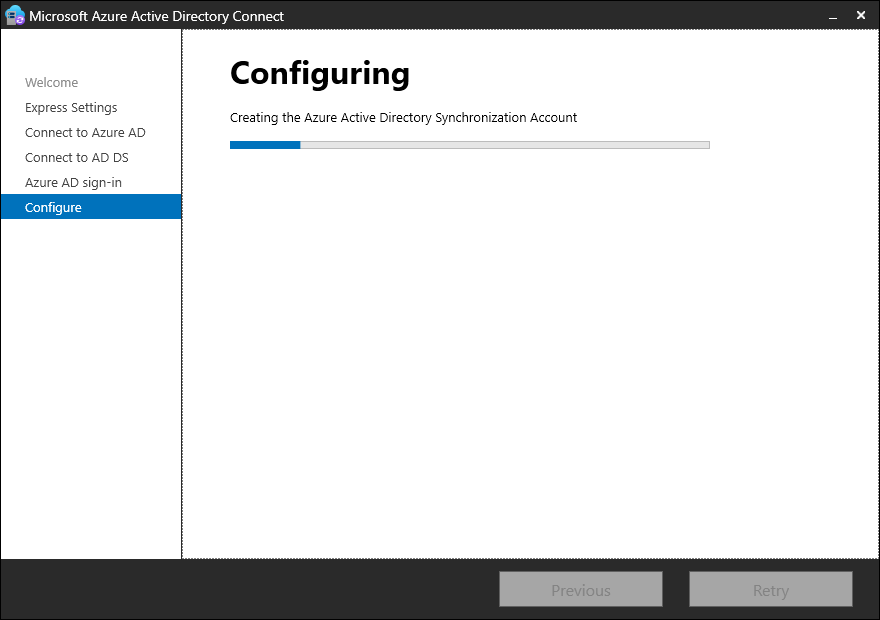
While installing the Entra Connect console for a client, i came across an issue where the installation fails with an error message “AuthorizationManager check failed“.
[ERROR] PerformConfigurationPageViewModel: An error occurred while retrieving the Active Directory schema. The error was: AuthorizationManager check failed.
Resolution:
As part of the installation, the installer creates an Active Directory user and set appropriate directory replication permissions and require schema access. The installer runs a Powershell module AdSyncConfig, which could get blocked depending on the Powershell execution policy set locally. You could check the current existing execution policy status by running the below in Powershell, which is currently set to “AllSigned”:

To get around the issue without changing the execution policy, run the below to manually import the AdSyncConfig module by running the following command:

Once imported, you can run the get-module cmdlet to verify the successful import:

Once the AdSyncConfig module is imported, restart the installation wizard again and the error should be resolved.
 Talha Qamar